Loading…


KnowledgeBase
Changing a Live Event
What this covers#
Publishing a booking link is not a one-way door. Hours change, durations change, the description you wrote in a hurry deserves better. A published event stays editable, and the wizard says so.
But one field is different from all the others, and changing it quietly breaks every copy of your link already in circulation. This article covers which is which.
Live means live#
An event is either Draft or Live — the Events list filters on exactly that. Live means the public page exists and anybody holding the address can book on it, right now.
The consequence worth internalising: you are editing something people may be looking at. Changes are not staged and there is no preview-then-apply. What you save is what the next visitor sees.
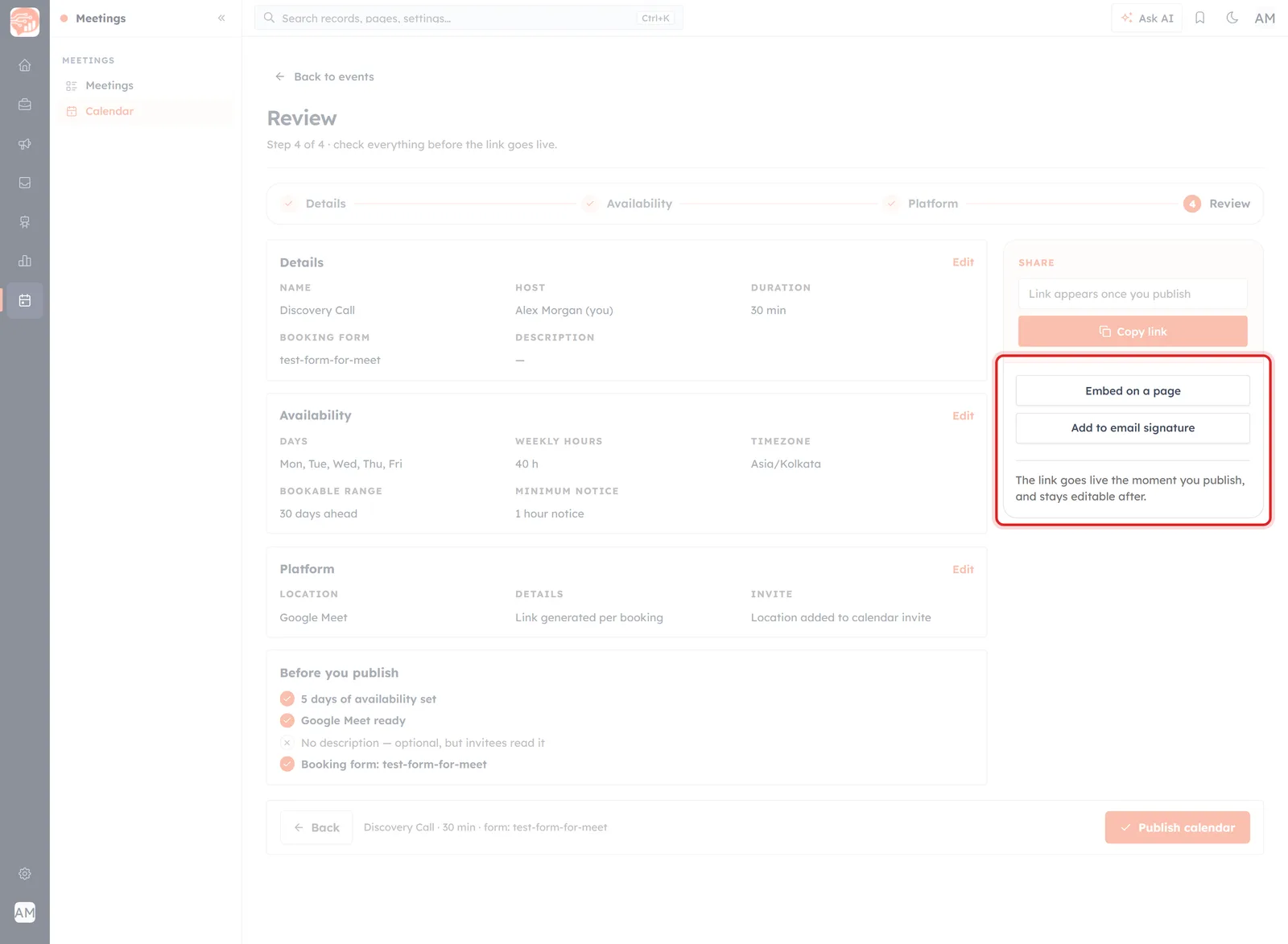
The wizard is explicit about this on the Review step.
The link goes live the moment you publish, and stays editable after.
Safe to change#
Everything that describes how the meeting works can be changed without touching the address people already have:
- Weekly hours, bookable range and minimum notice — the most common edit, and the one worth re-checking afterwards. See Set Your Availability for Bookings.
- Duration — though a change here reshapes every slot on offer.
- Description — free to improve at any time.
- Location — switching between Google Meet, Zoom, phone or in person.
- Host, meeting type and booking form — see Choose the Host & Meeting Type.
⚠️
Open your own link afterwards, in a private window. Availability edits are the ones that silently empty a page — and nobody who meets an empty page will tell you. Fix an Empty Booking Page covers what that looks like.
The one that breaks things: the name#
The public address is not something you choose separately. It is built from the Calendar name, and the wizard shows you as much while you type.
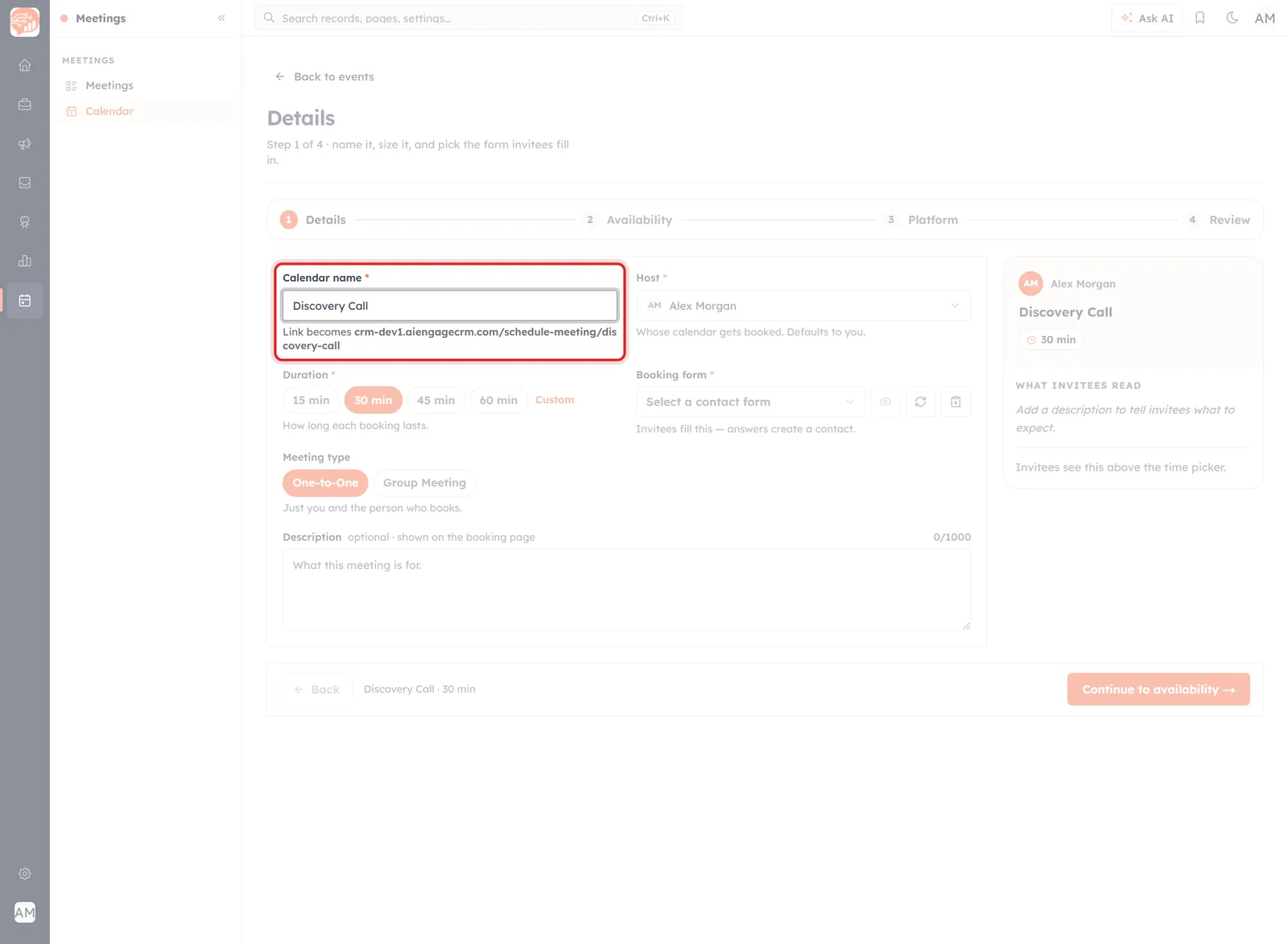
Name it “Discovery Call” and the link becomes …/schedule-meeting/discovery-call.
Lowercased, spaces turned into hyphens. Which means renaming a live event changes its public address — and the old one stops resolving.
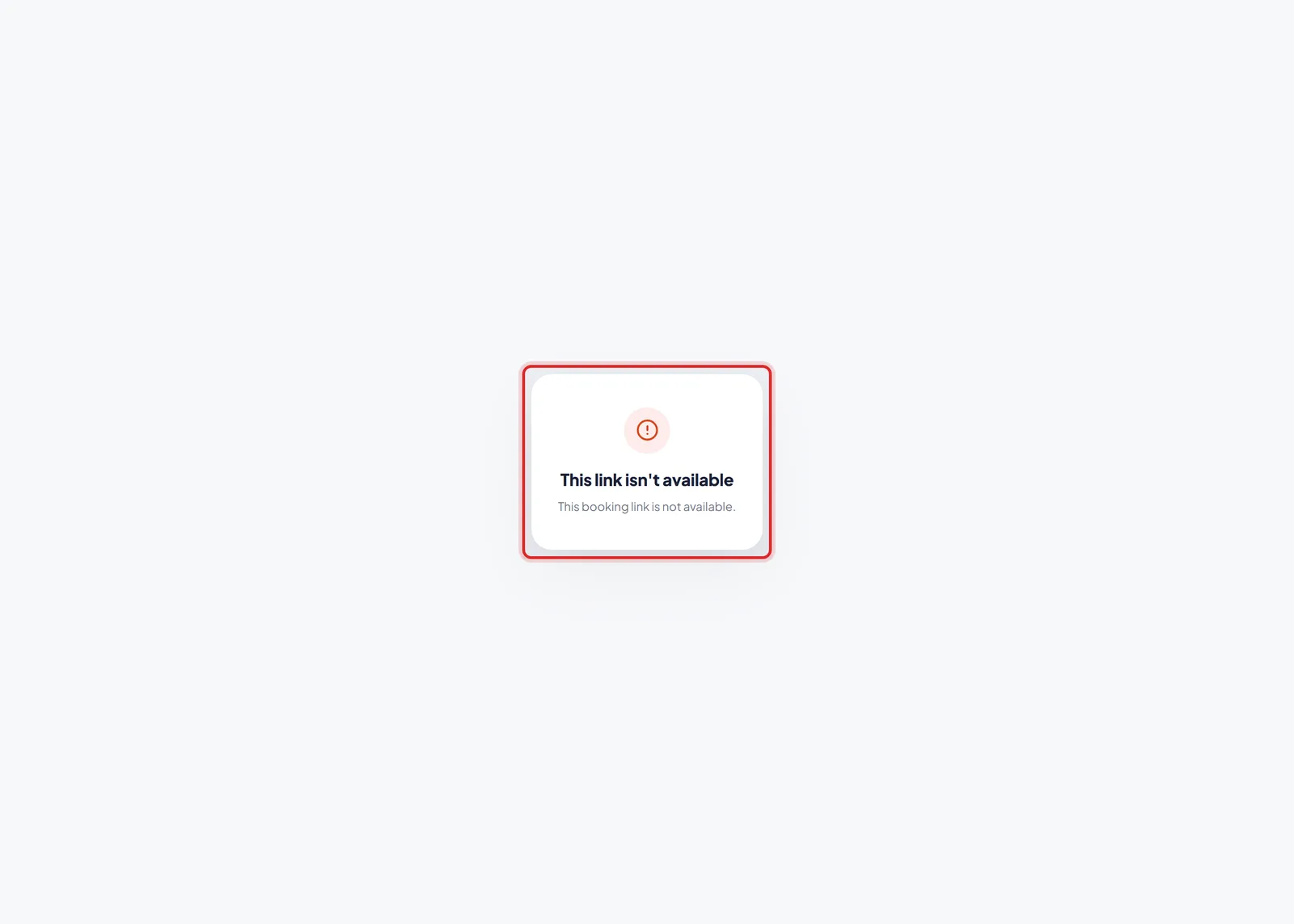
What every old copy of the link then shows.
This link isn’t available. This booking link is not available.
Not an error page you can explain away — no host, no event name, no calendar. Everyone holding the old address gets that, and every one of these is invisible to you:
- The link in your email signature, and in everyone else's who copied it.
- The link on your website, in a page you may not own.
- The link in every email and message you have ever sent.
- The link in a proposal that is currently sitting in somebody's inbox.
🔗
Treat the name of a published event as fixed. If it genuinely has to change, the safe move is to build a NEW event under the new name, put the new link everywhere you control, and leave the old event live for as long as old copies might still be clicked. Renaming in place is the version that loses you meetings you never hear about.
What nobody can tell you from the screen#
The product does not say what happens to bookings already in the diary when you change the event underneath them — whether a booked meeting keeps the duration and location it was booked with, and whether the invitee hears about a change.
Until that is documented, work as though neither is guaranteed:
- Check the meetings already booked after a significant change — they are ordinary records in the Meetings list.
- Message anyone affected yourself. If you change where a booked meeting happens, tell the person. Do not assume the CRM has.
- Prefer additive changes on a busy link — widening hours rather than moving them, improving the description rather than rewriting the offer.
Before you change a live link#
- Is it the name? If so, build a new event instead.
- Are there bookings already made? Look before you edit, and tell those people afterwards.
- Save, then open your own link in a private window and book a slot as an invitee would.
- Check the availability panel reads more than zero hours before you leave the wizard.
Was this article helpful?
Ready to implement this?
OpenAI Engage and apply what you just learned to your own workspace.
Open AI Engage CRM