Loading…


KnowledgeBase
Reminders & Recurring Meetings
What this covers#
Two toggles sit side by side in the SCHEDULE section of the meeting form, and both are off until you touch them. One stops you forgetting a meeting. The other stops you typing the same meeting out every week.
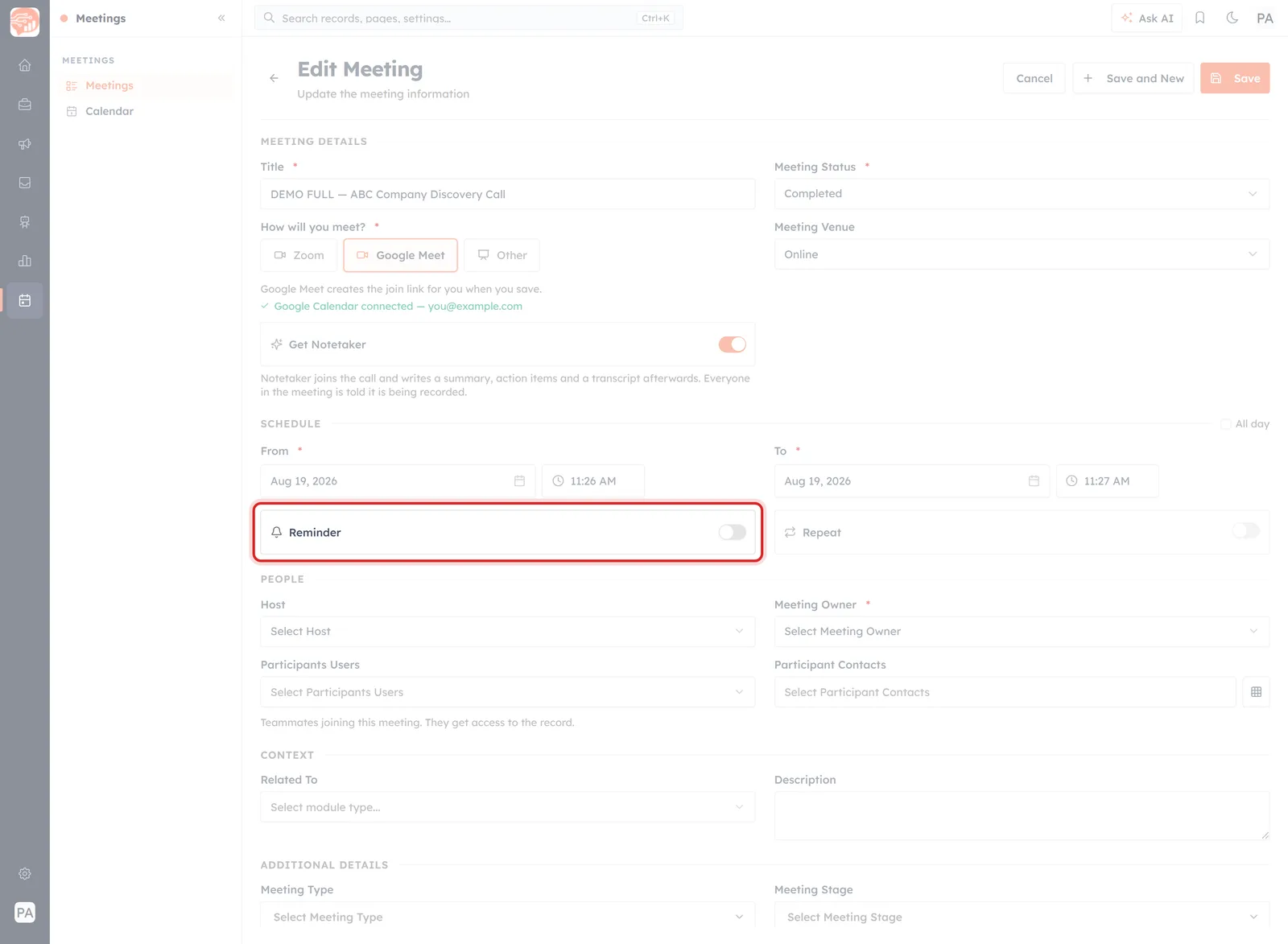
Reminder and Repeat, under the From and To times. Neither shows its settings until switched on.
Neither costs anything to leave alone, which is why most meetings never get either. Both are worth ten seconds on the ones that matter.
Reminder: don't be the one who forgets#
Switch Reminder on and three fields appear.
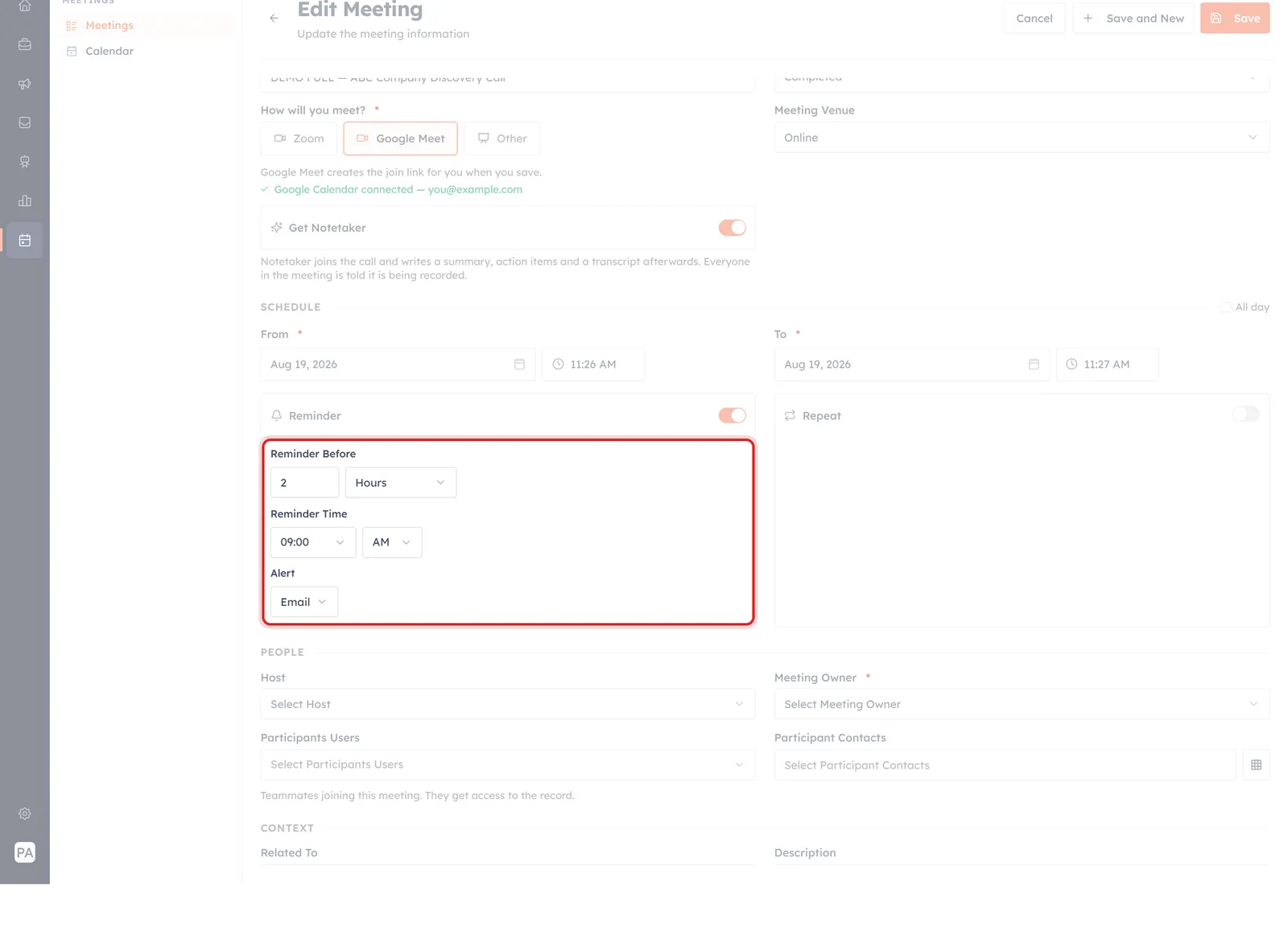
Reminder switched on: how far ahead, at what time, and what it arrives as.
Reminder Before#
How far ahead of the meeting to be nudged — a number and a unit. It starts at 2 Hours.
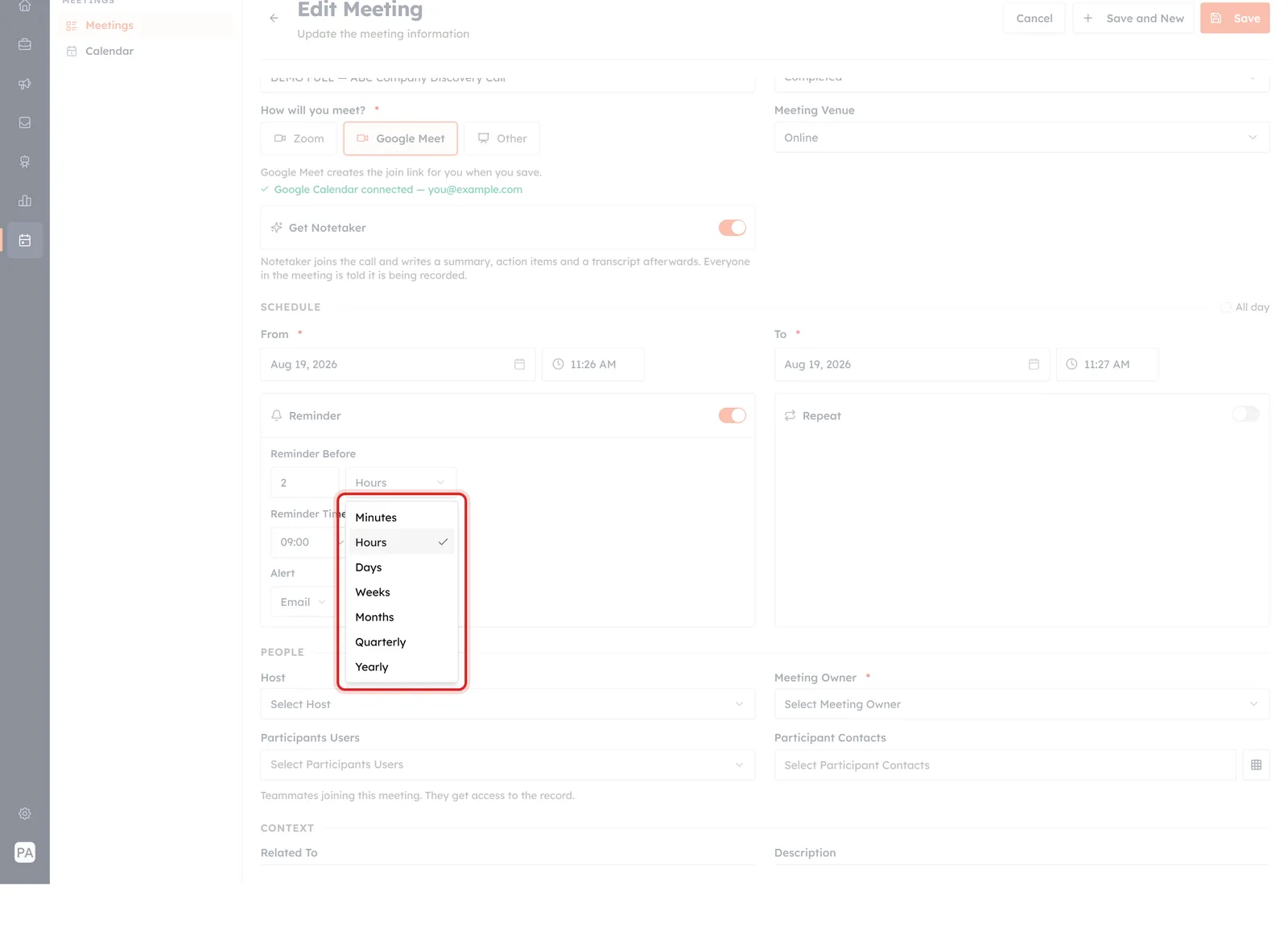
The units run from Minutes to Yearly — the long end is there for the field type, not because anyone needs a yearly meeting reminder.
The units are Minutes, Hours, Days, Weeks, Months, Quarterly and Yearly. In practice only the first three are useful for a meeting:
- 15–30 minutes — enough time to find the join link and stop what you are doing.
- 2 hours — the default, and enough to prepare something.
- 1 day — for meetings you need to do reading for.
Reminder Time#
A time of day, with AM/PM, starting at 09:00 AM.
💡
The form does not explain how Reminder Before and Reminder Time combine, and they can plainly disagree — two hours before a 4pm meeting is not 9am. If the exact moment matters to you, set one meeting up and watch when the email actually lands before relying on it.
Alert#
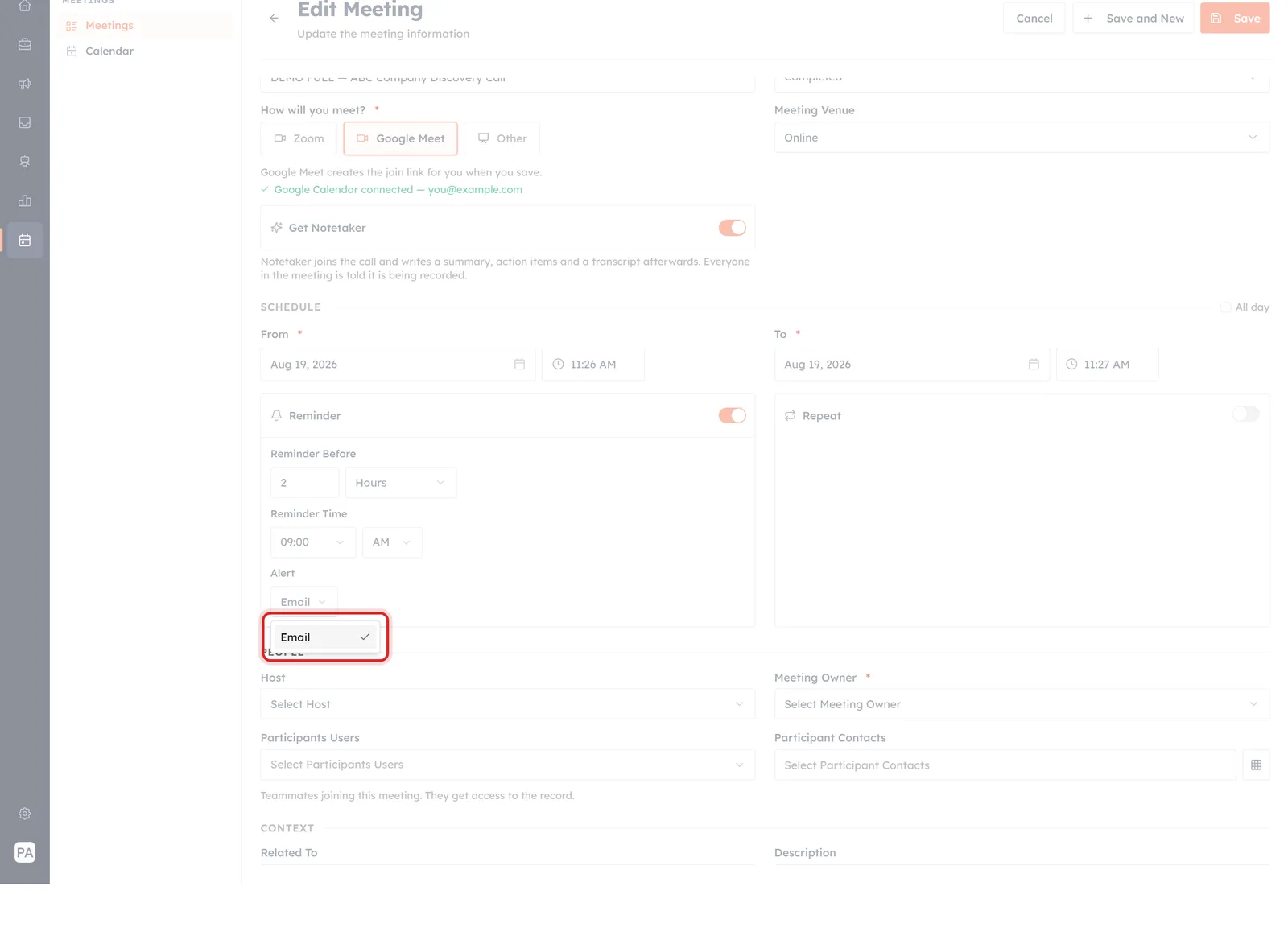
Alert has exactly one option today: Email.
How the reminder reaches you. There is one option — Email — so a reminder is an email, and it will arrive wherever your CRM email goes. If you live in a chat app rather than an inbox, set the timing generously.
Repeat: meetings that come round again#
Switch Repeat on for anything standing — a weekly check-in, a monthly review — instead of creating it by hand each time.
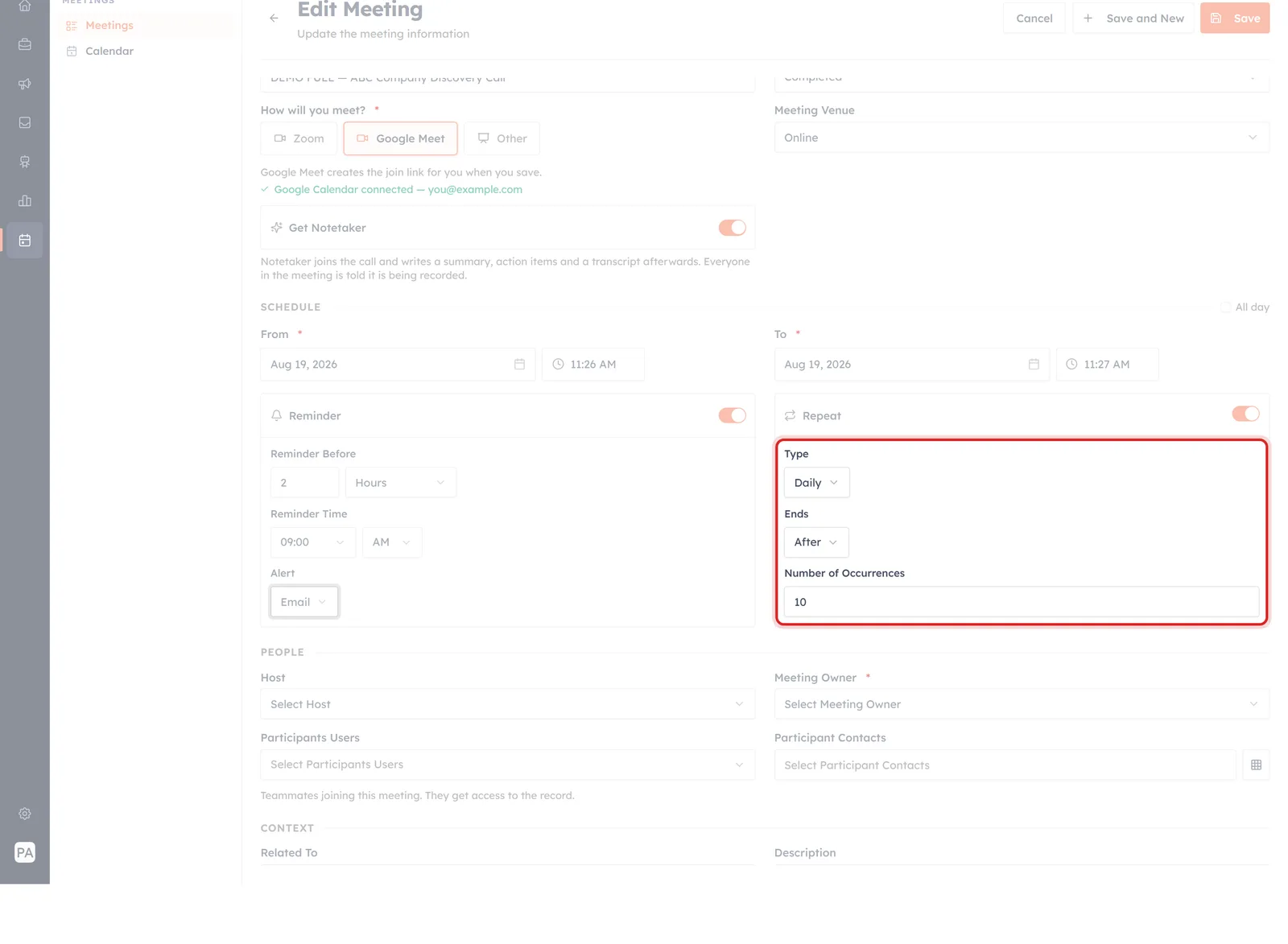
Repeat switched on: how often, and when it stops.
Type#
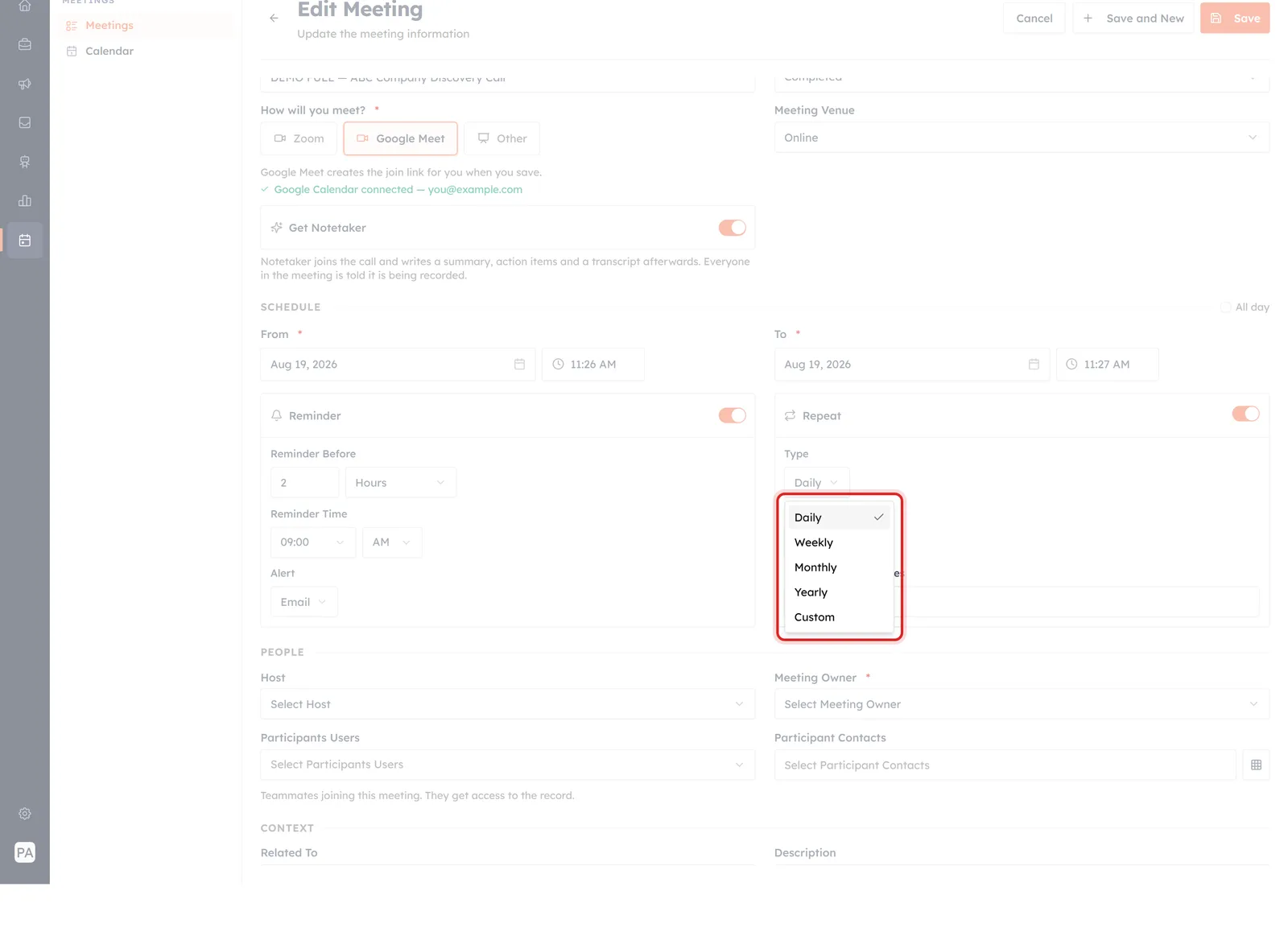
Daily, Weekly, Monthly, Yearly — and a Custom option.
Daily, Weekly, Monthly, Yearly, or Custom. It starts on Daily, which is almost never what you want — change it before you save, or you will book yourself a meeting every day.
Ends#
Every recurrence has to stop somewhere. Two ways:
- After — a set number of times. A Number of Occurrences box appears, starting at 10.
- On Date — keep going until a date you choose.
⚠️
Set the end deliberately. A recurring meeting nobody ends is how calendars fill up with things that stopped being useful months ago. If the series belongs to a project, end it when the project does — On Date exists for exactly that.
What the form does not tell you#
Two things are worth testing on one throwaway meeting before you rely on either toggle across a team:
- Who gets the reminder. The form does not say whether the email goes to the meeting owner, the host, the participants, or some combination. If you are relying on it to nudge somebody else, confirm it reaches them.
- What a repeat produces. Whether a recurring meeting becomes one record or a series of them changes what your Meetings list looks like afterwards, and how you would cancel the rest of the series.
ℹ️
Neither toggle exists on a booking link. Invitees book one meeting at a time; reminders and recurrence live on the meeting record, so they are yours to set afterwards.
Worth switching on#
- A reminder on anything you must prepare for — a day ahead for anything needing reading, half an hour for everything else.
- Repeat for anything standing, with a deliberate end date.
- Change Type off Daily before saving, every time.
- Nothing at all on a one-off call you will obviously remember. A reminder for every meeting is a reminder for no meeting.
Create a Meeting from the Meetings Module covers the rest of the form these two live on.
Was this article helpful?
Ready to implement this?
OpenAI Engage and apply what you just learned to your own workspace.
Open AI Engage CRM