Loading…


KnowledgeBase
Introduction to Email Marketing in AI Engage CRM
Email in AI Engage CRM#
AI Engage CRM includes a full email marketing stack — you can send one-off emails from contact records, build drag-and-drop campaign emails, and track opens, clicks, and bounces — all without leaving the CRM.
Before sending your first campaign, review the knowledge base for the required setup instructions. You must configure the following three settings first:
Organisation Email — the sender address your contacts will see in their inbox
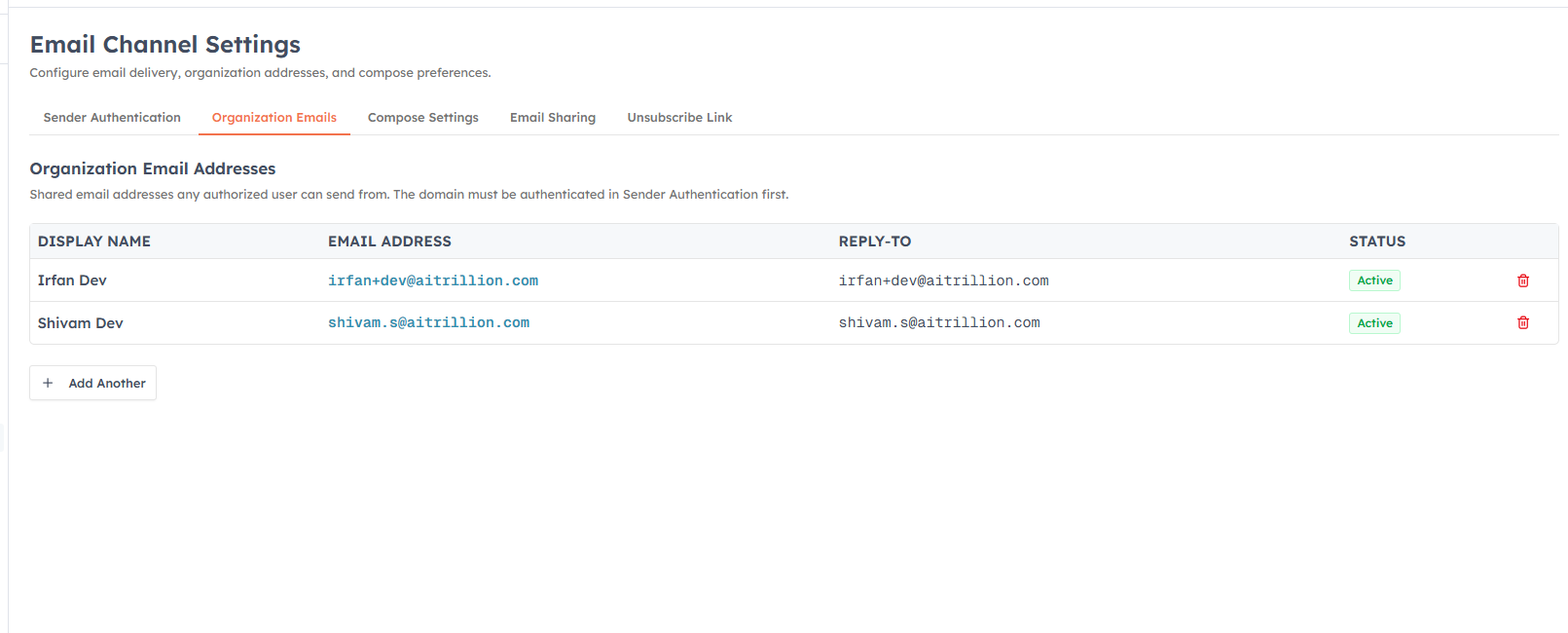
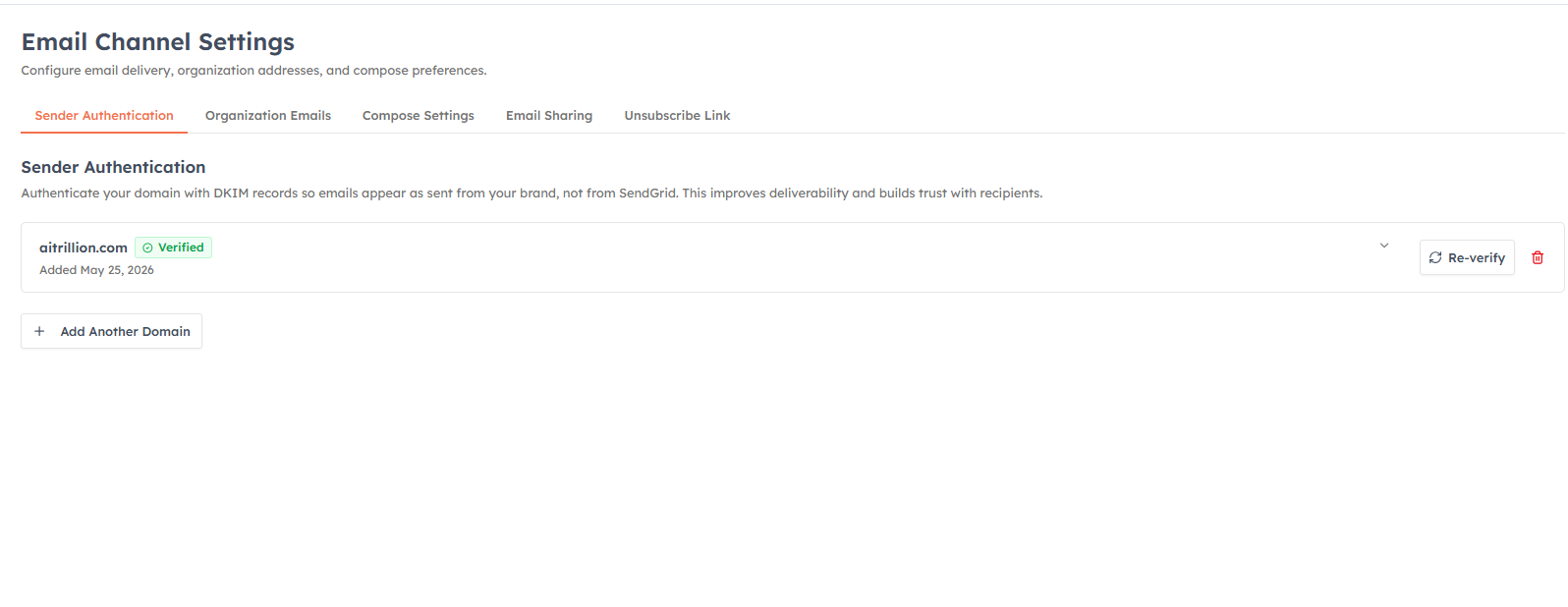
Email Deliverability (DKIM) — domain authentication that prevents your emails landing in spam
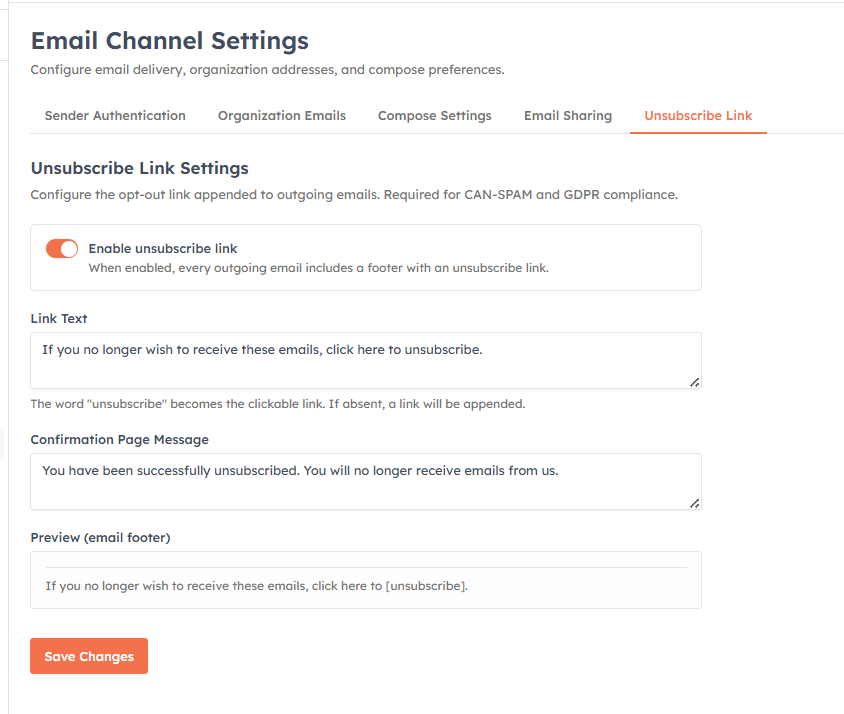
Unsubscribe settings — the opt-out link that keeps you CAN-SPAM and GDPR compliant
💡
Do not skip DKIM setup. Emails sent from an unauthenticated domain have a high spam rate and can permanently damage your domain's sender reputation. Complete deliverability setup before sending any campaign.
Setup order#
Follow these steps in order — each one depends on the previous:
Add your sender email address and verify ownership
Set up DKIM authentication for your sending domain
Create reusable email templates for your team
Send your first email campaign to a contact segment
Configure unsubscribe settings for compliance
Set email sharing permissions to control team access
💡
All email settings are under Settings → Marketing Channel → Email. Campaigns are under Marketing → Campaigns.
Was this article helpful?
Ready to implement this?
OpenAI Engage and apply what you just learned to your own workspace.
Open AI Engage CRM