Loading…


KnowledgeBase
Meta: Per-Form Settings — Sync, Assignment & Notifications
Per-form Settings#
Open a Lead Form from Pages & Forms → Manage, then choose the Settings tab. Everything here applies to that one form, so you can route sales leads and support leads differently.
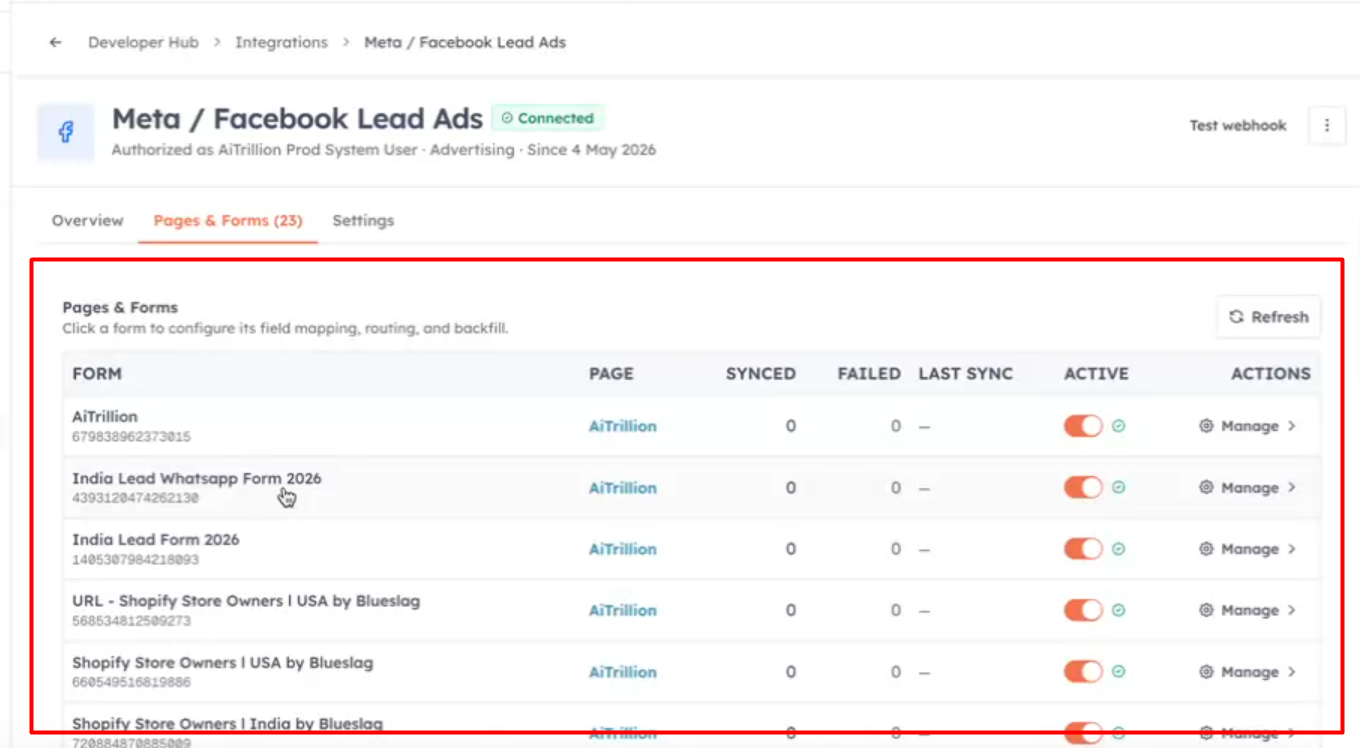
Sync controls — pause real-time sync, and override the lead source, lifecycle stage, and lead status applied to every new Contact from this form.
Lead assignment — send every lead to one specific user, or round-robin to a team with even rotation. Round-robin can automatically skip out-of-office members, and shows who is next in line.
Email notifications — email the assigned user, the whole team, or custom recipients when a lead syncs, using either the system email or one of your saved email templates.
💡
Click Save in the sticky bar to apply changes to sync, assignment, and notifications together.
Account-level settings & alerts#
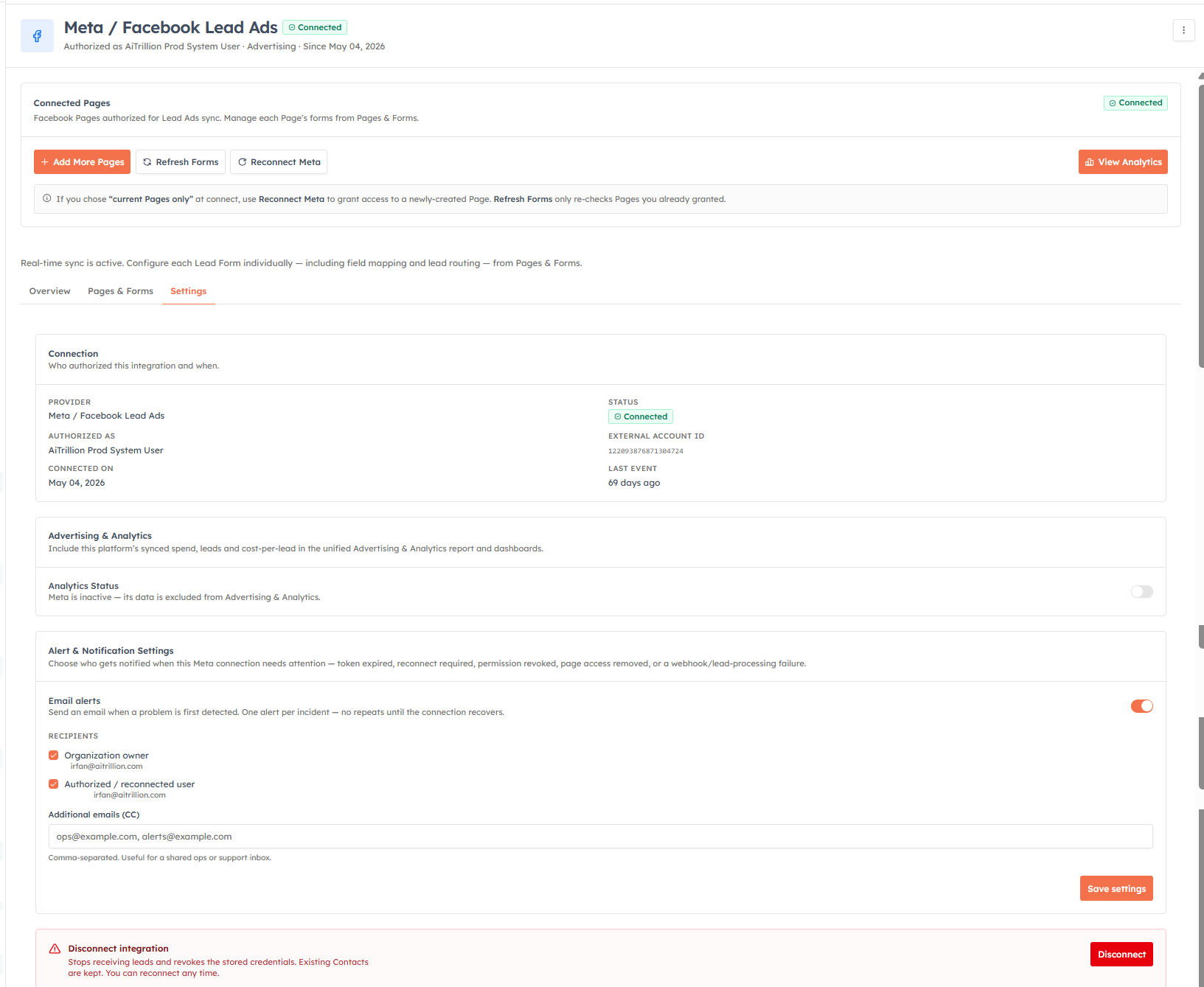
Back on the main Meta integration, the Settings tab covers the whole connection.
Connection — who authorized the integration, the external account, and when it was connected.
Alert & Notification Settings — email the organization owner, the authorizing user, or extra addresses when the connection needs attention (token expired, permission revoked, webhook failure). You get one alert per incident, never repeats.
Danger zone → Disconnect — stops receiving new leads and revokes the stored credentials. Your existing Contacts, forms, mappings, and history are all kept, and you can reconnect any time.
💡
Related: Sync Past Leads & Monitoring.
Was this article helpful?
Ready to implement this?
OpenAI Engage and apply what you just learned to your own workspace.
Open AI Engage CRM