Loading…


KnowledgeBase
Make Calls with the Softphone Dialer
The softphone dialer#
Once a provider is connected and you’re set to Online, calling happens through a small floating dialer that appears in the bottom-right corner during call activity. You can drag it anywhere. It shows up while a call is calling, ringing, on a call, on hold, incoming, or in wrap-up, and hides when idle.
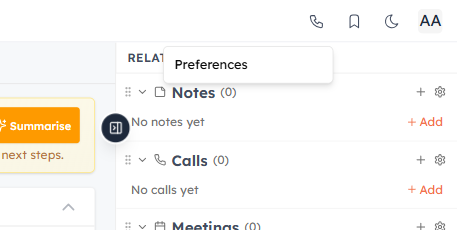
Your call availability and dialing preferences live behind the phone icon in the top bar.
💡
To place a call, use click-to-call from a record. The dialer opens automatically to manage the live call. Using it requires the Voice dialer permission.
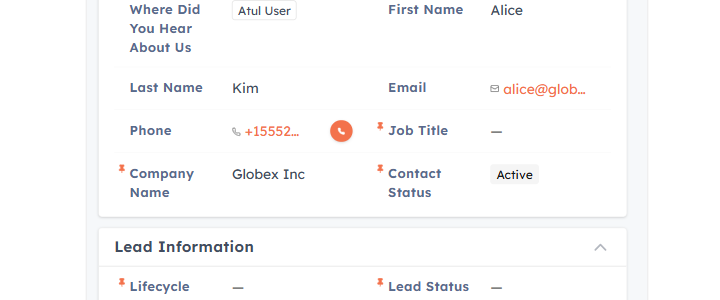
To start a call, click the call button next to a phone number on any record — the dialer opens automatically to manage it.
What the card shows#
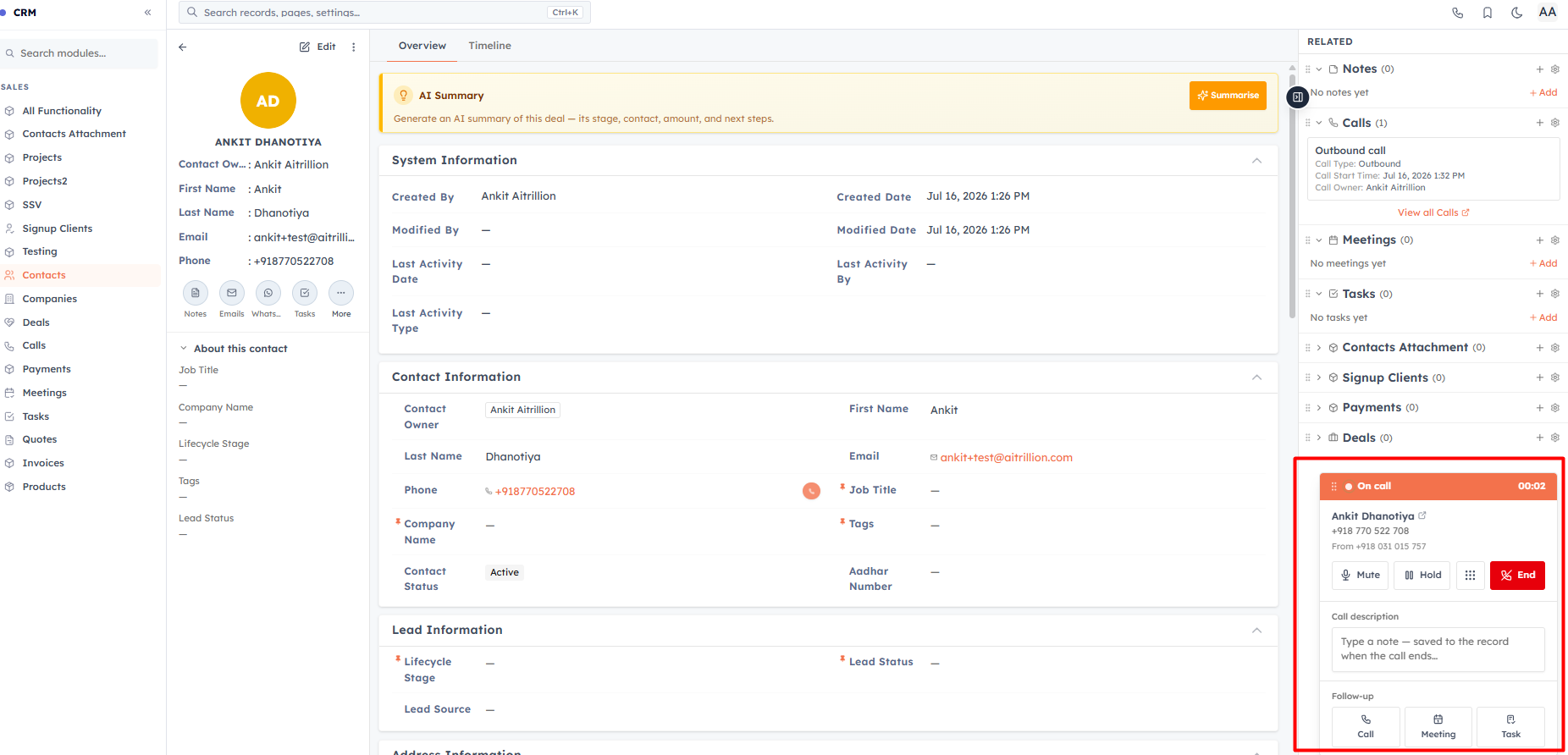
A status header (it turns amber on hold), the contact’s name (linked to their record when the call is tied to one), the number, the caller ID you’re calling from, and a live call timer once connected.
In-call controls#
Mute / Unmute your microphone.
Hold / Resume — the customer hears hold music while on hold.
Keypad — open the dialpad to send touch-tones (DTMF) for navigating phone menus.
End — hang up.
Notes & follow-ups#
Type a call note during or right after the call — it’s saved to the call’s log (or as a note on the linked record). You can also quick-create a follow-up Call, Meeting, or Task tied to the same record without leaving the dialer.
When a connected call ends, the card stays open for wrap-up — finish your note and click Done to save it.
💡
Refreshing or closing the tab ends a live call and can lose an unsaved note — the CRM warns you before you leave. If outbound calling is blocked with an upgrade prompt, your plan’s monthly call allowance is used up.
Was this article helpful?
Ready to implement this?
OpenAI Engage and apply what you just learned to your own workspace.
Open AI Engage CRM