Loading…


KnowledgeBase
Introduction to Sales Pipeline & Activities
What this collection covers#
Your sales workflow in AI Engage CRM is built from a few connected pieces. This collection shows you how to set each one up and use it day to day.
- Deals — the opportunities you are working, tracked through pipeline stages and visualised on a Kanban board.
- Activities — the work around a deal: Tasks, Calls, and Meetings.
- Notes — context you jot on any record.
- The activity timeline — an automatic history of everything that happened on a record.
- Your Home dashboard — a daily overview of your tasks, meetings, and notes.
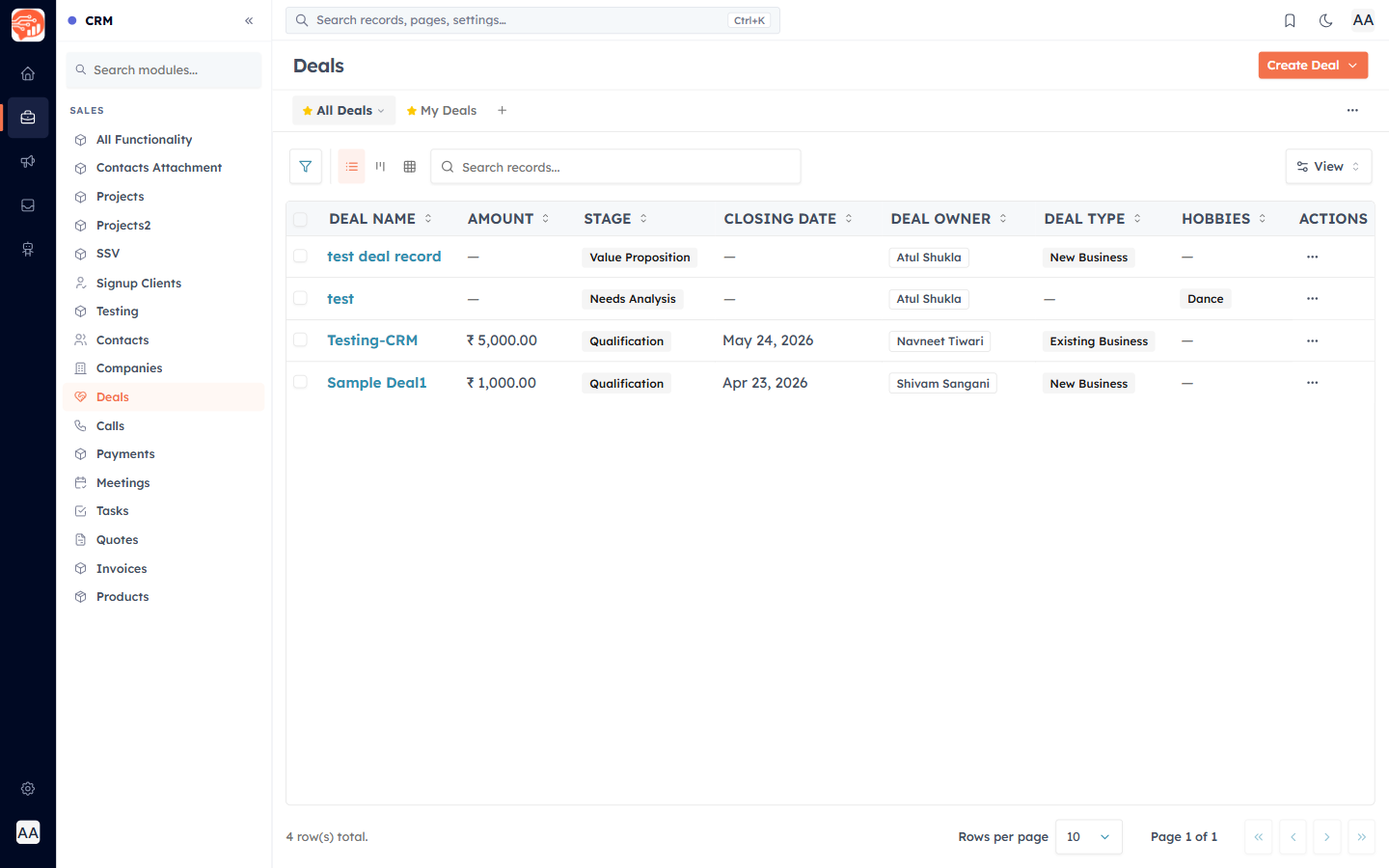
Where everything lives#
Deals, Tasks, Calls, and Meetings are all modules, listed in the left sidebar under Sales. Open Deals, Tasks, Calls, or Meetings directly, or reach any of them from a contact or deal record.
ℹ️
New here? Start with Set Up Your Deal Pipeline Stages so your pipeline matches how your team actually sells — then create your first deal.
Was this article helpful?
Ready to implement this?
OpenAI Engage and apply what you just learned to your own workspace.
Open AI Engage CRM