Loading…


KnowledgeBase
Contact Status & Marketing Consent
Two kinds of “status”#
Whether a contact can be marketed to comes down to two separate settings: their overall Contact Status (are they active at all?) and their per-channel Marketing Status (have they opted in to email / WhatsApp?).
Contact Status: Active vs Inactive#
Every contact is either Active or Inactive. New contacts are Active by default (the field isn’t shown on the create form).
Active contacts count toward your plan’s contact limit.
Inactive (deactivated) contacts no longer receive regular communications — a simple way to park contacts you don’t want to market to without deleting them.
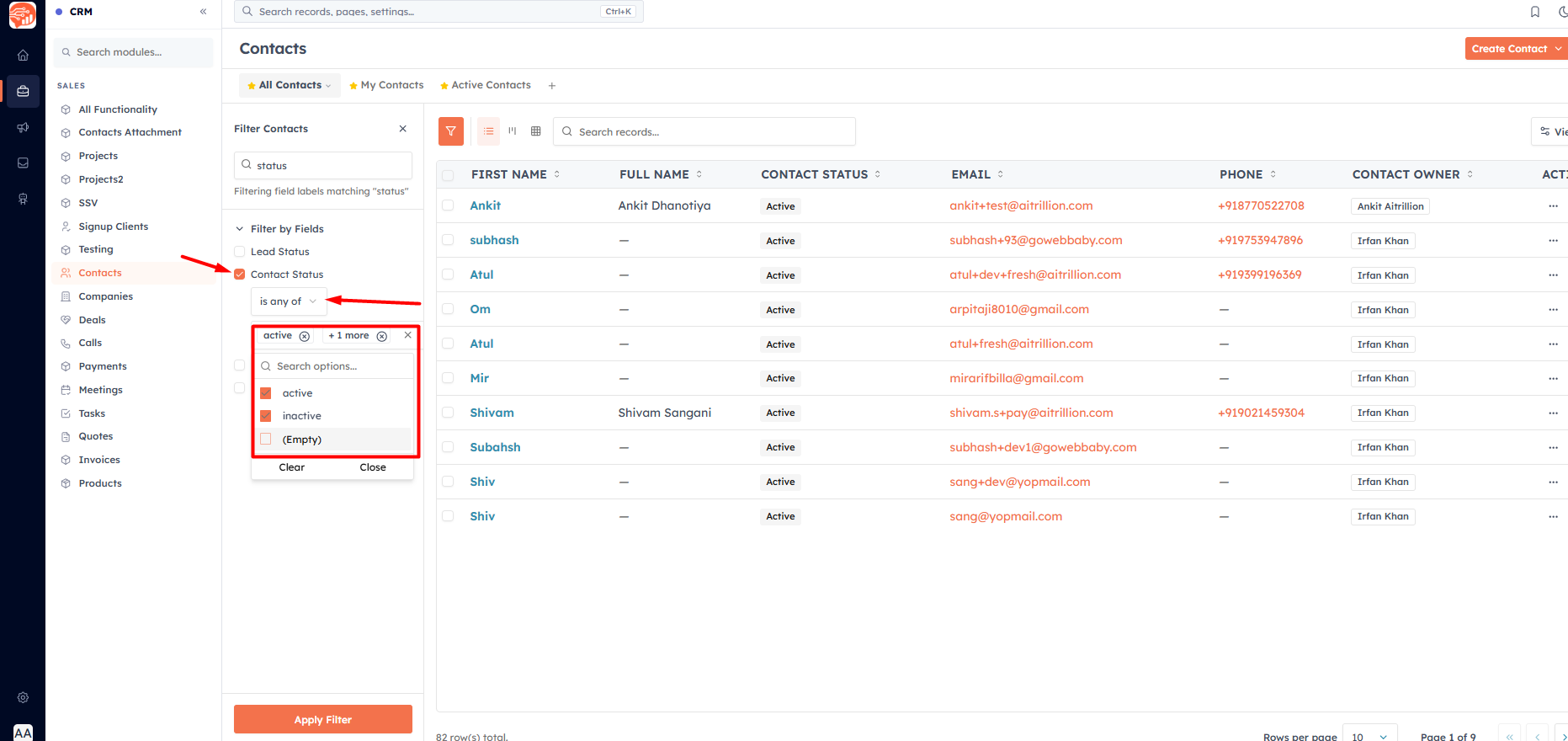
Change one: edit the contact and set Contact Status. Change many: select contacts in the list and click Activate or Deactivate in the toolbar (see Create, Share & Manage Custom Views (List & Kanban)).
💡
Deactivating asks you to confirm, and reminds you that active contacts count toward your plan limit — a handy way to stay within your limit by parking cold contacts.
Marketing Status: Email & WhatsApp#
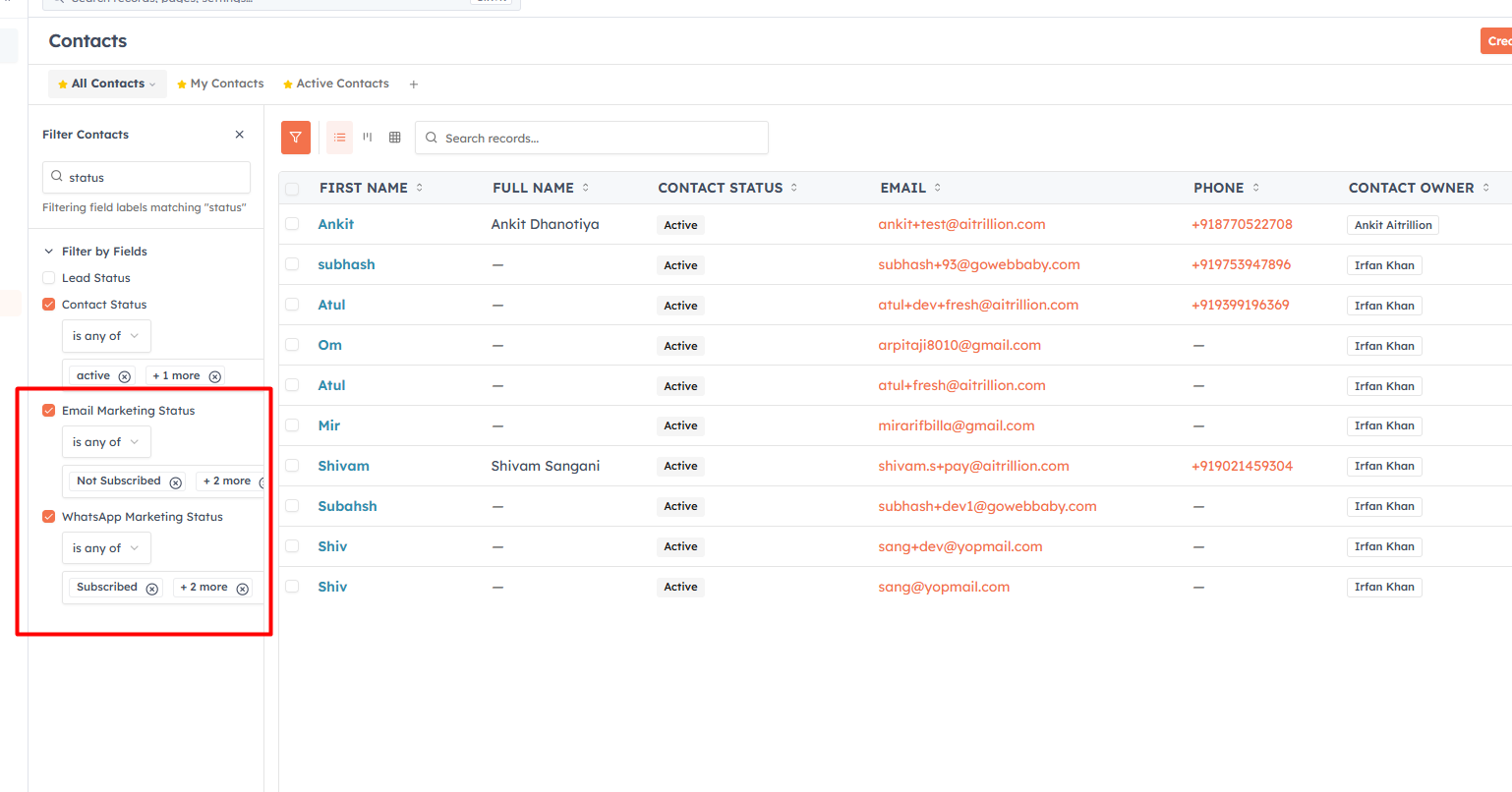
In the Marketing Information section of a contact, two fields track consent per channel:
Email Marketing Status
WhatsApp Marketing Status
Each is one of Subscribed, Not Subscribed (the default), or Unsubscribed. Unsubscribed means they’ve opted out of that channel.
How a contact becomes unsubscribed (email)#
A contact’s Email Marketing Status moves to Unsubscribed when they click the unsubscribe link in one of your emails. You control that link at Settings → Email → Unsubscribe Link Settings:
Enable unsubscribe link — adds an opt-out footer to every outgoing email.
Link Text — the footer sentence (the word “unsubscribe” becomes the link).
Confirmation Page Message — what the contact sees after opting out.
A live footer preview.
💡
Keep the unsubscribe link on — disabling it may violate email regulations (CAN-SPAM, GDPR) and hurt deliverability. For the full email-side rules, see Manage Unsubscribes and Email Compliance.
💡
Active/Inactive is about whether a contact is marketable at all; Subscribed/Unsubscribed is their consent for a specific channel. A contact can be Active but Unsubscribed from email.
Was this article helpful?
Ready to implement this?
OpenAI Engage and apply what you just learned to your own workspace.
Open AI Engage CRM