Loading…


KnowledgeBase
Organize Contacts with Lists
What are Contact Lists?#
Contact Lists are static lists you build by hand to organise contacts — for example "Newsletter Subscribers" or "VIP Customers". Membership stays fixed until you add or remove people yourself. Open them from Contacts → Lists.
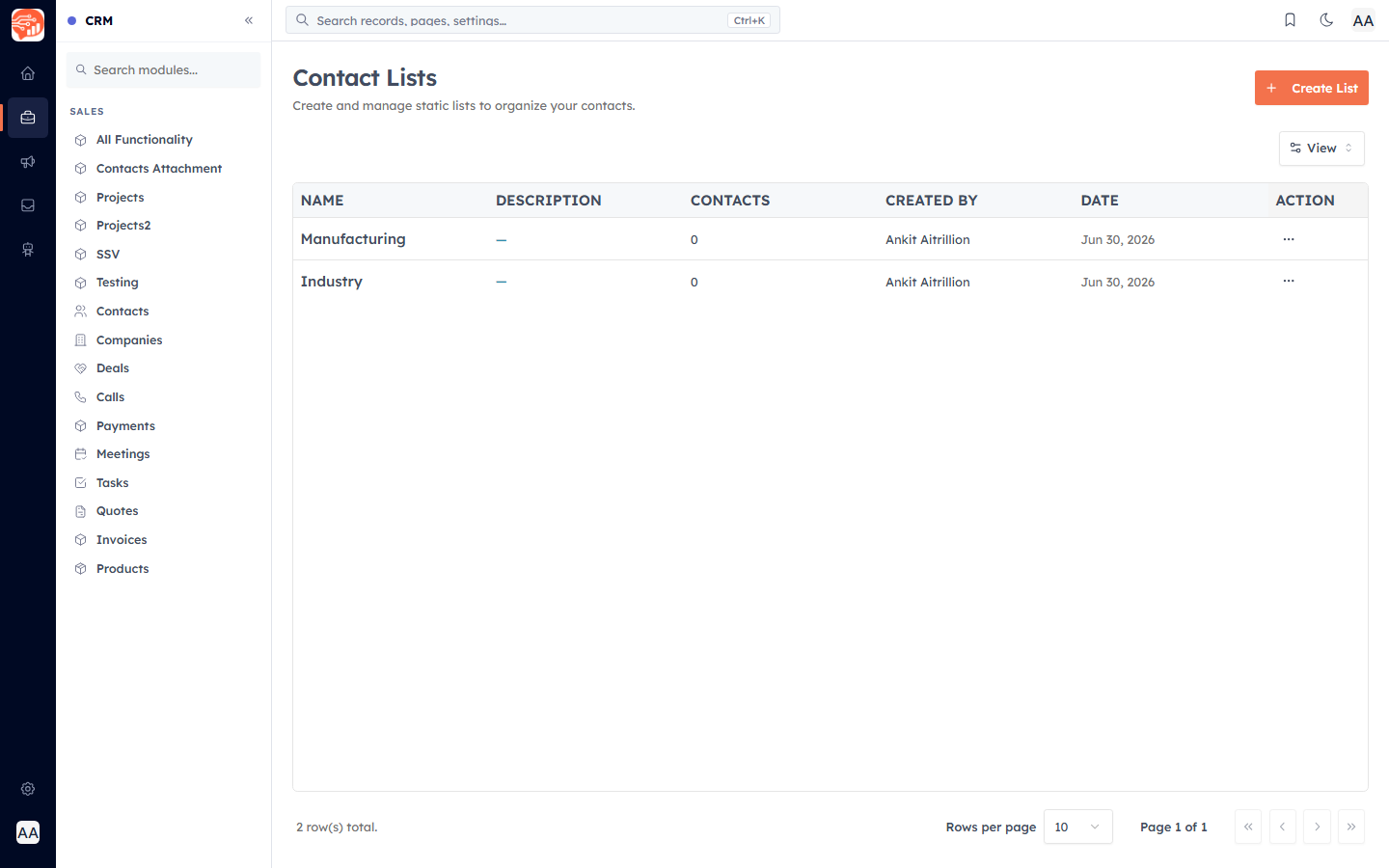
Create a list#
Click Create List, give it a name and an optional description, and save.
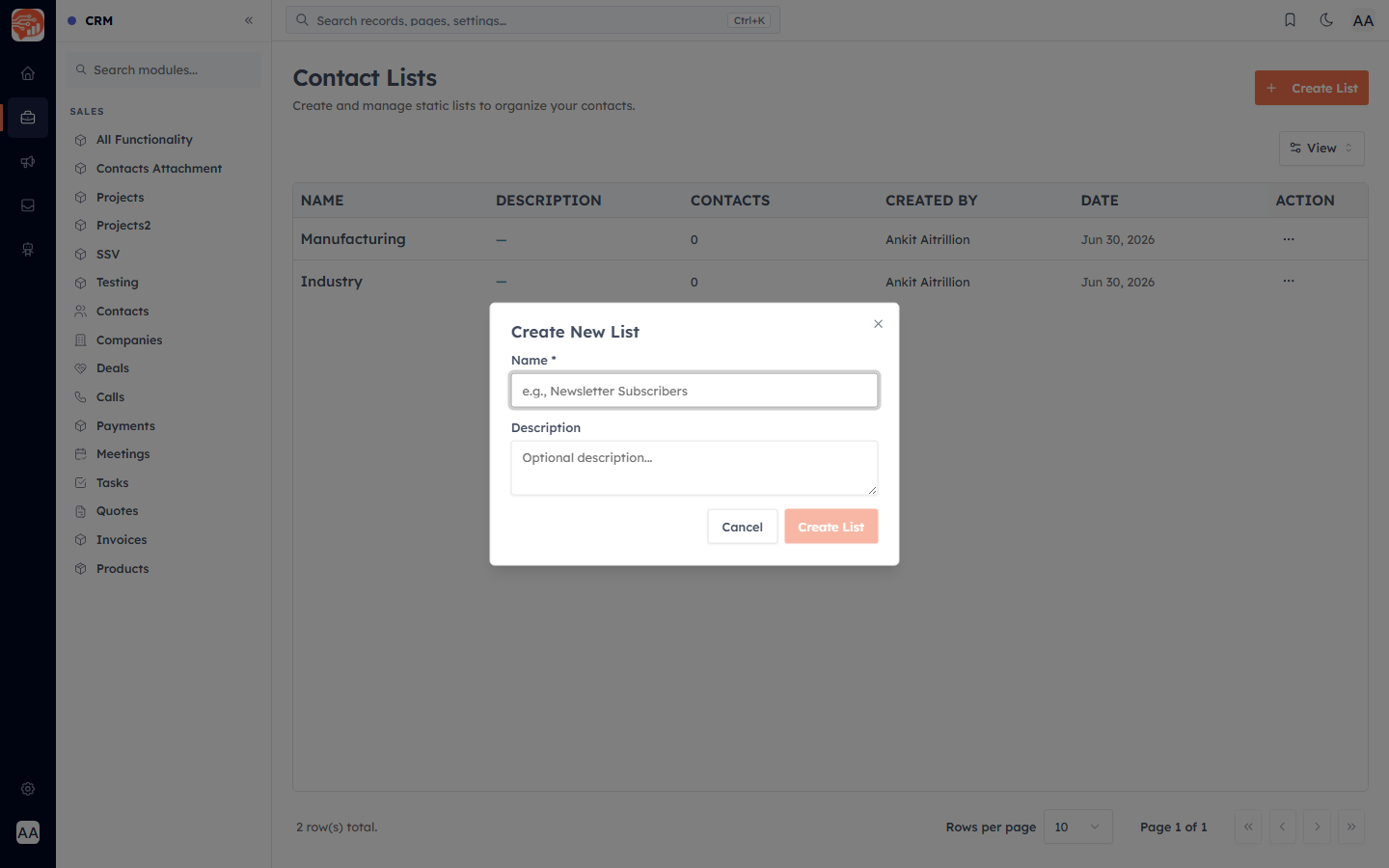
Add and remove members#
Add contacts to a list (for example by selecting them and adding them to the list, or during import), and the list’s contact count updates automatically. Open a list to view its members, and remove anyone who no longer belongs. Deleting a list removes it from every contact but does not delete the contacts themselves.
Lists vs Segments#
A List is static — you choose exactly who is in it. A Segment is usually dynamic — it is defined by rules (for example "all contacts in Delhi added this month") and updates itself as contacts change. Use a List for a fixed hand-picked group; use a Segment when you want membership to stay in sync with a set of conditions. Segments have their own guide under Marketing.
💡
You can assign imported contacts straight to a list during the Import wizard — see Import Contacts.
Was this article helpful?
Ready to implement this?
OpenAI Engage and apply what you just learned to your own workspace.
Open AI Engage CRM