Loading…


KnowledgeBase
Introduction to Quotes & Invoices
What are Quotes and Invoices?#
AI Engage CRM has a built-in Quotes and Invoices system so you can send professional price proposals and collect payment without leaving the CRM.
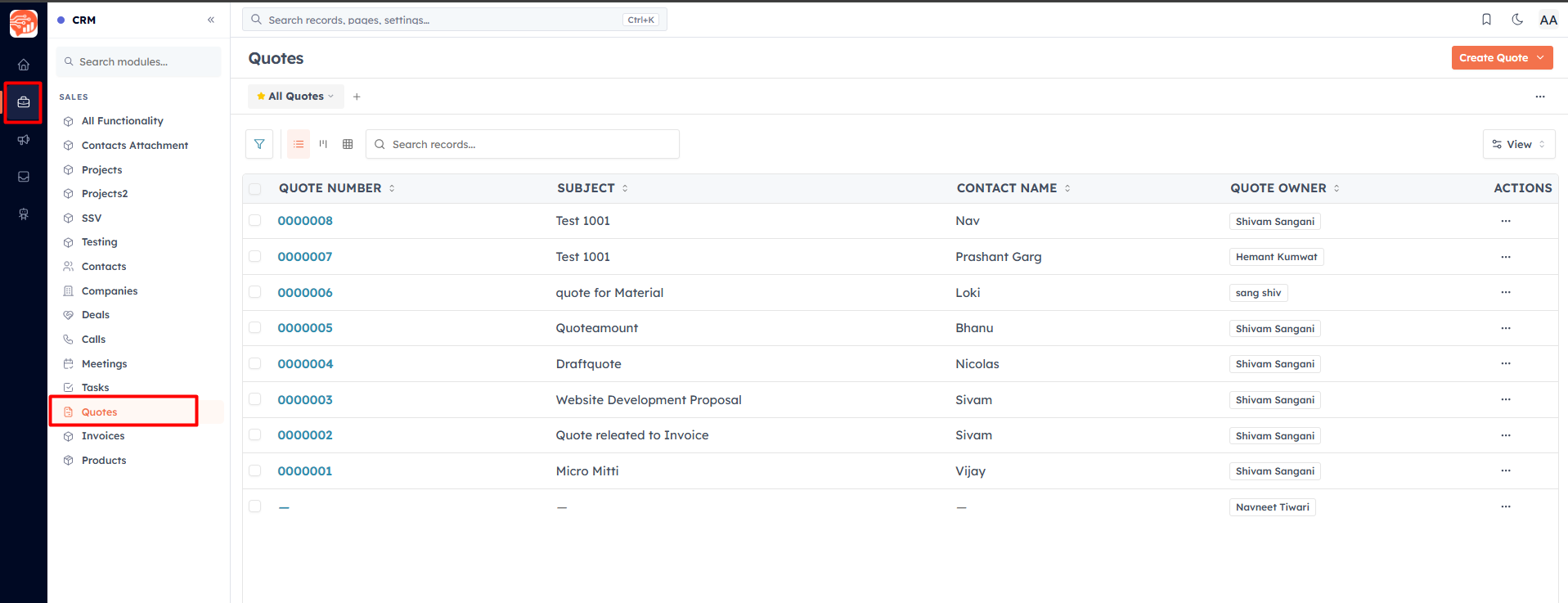
A Quote is a price proposal you send to a prospect — "here's what we can do and what it costs." They haven't paid yet.
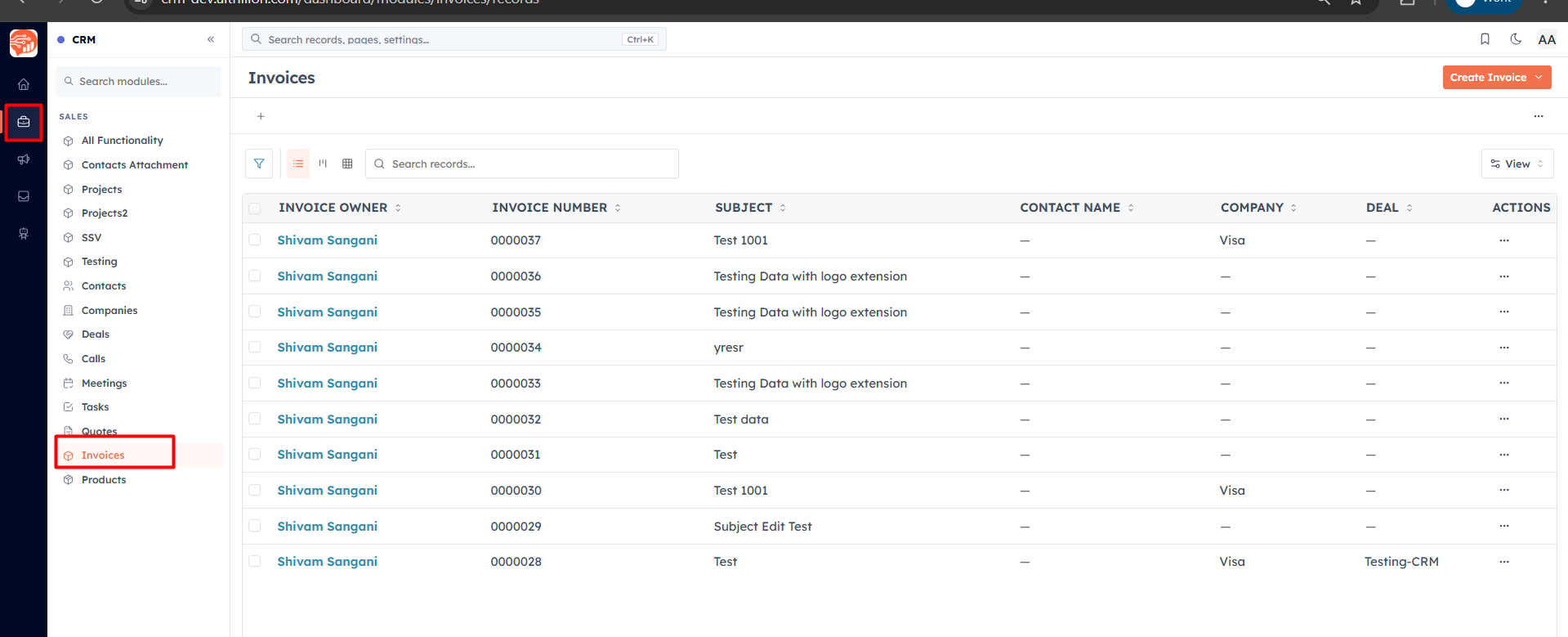
An Invoice is a request for payment for work that's agreed or done — "this is what you owe, and by when."
Four connected pieces#
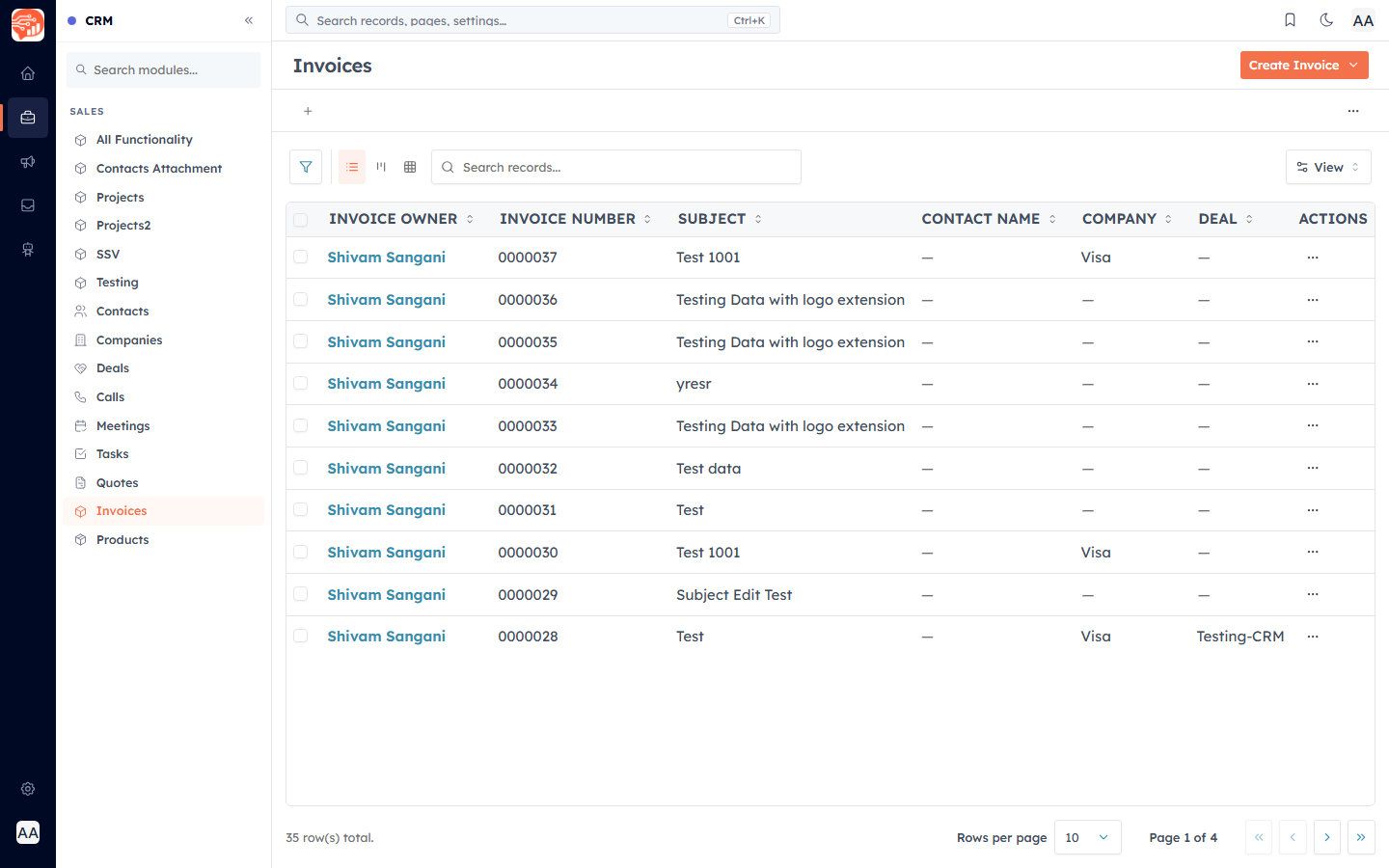
Everything here is built on four CRM modules that work together — you'll find them under Sales in the left sidebar (open the briefcase icon):
Products — your price list. Set these up first so quotes and invoices pull prices automatically.
Quotes — proposals you send to customers.
Invoices — payment requests, usually created by converting an accepted quote.
Payments — the record of money collected against invoices (online or manually).
💡
Quotes and invoices link to your Contacts, Companies, and Deals — so a proposal always shows up in the right record's history, and you never re-type customer details.
The typical workflow#
Create a Quote — pick a customer, add products as line items, set a validity date.
Send it — email the quote (with a PDF and an online view link) straight from the CRM.
Customer accepts — they open the link and accept or reject; the status updates automatically.
Convert to Invoice — turn the accepted quote into an invoice in one click.
Get paid — the customer pays online (Stripe/Razorpay), or you record a manual payment.
💡
All amounts use your organization's home currency (set in Settings → Organization). Payment gateways also charge in that currency.
Was this article helpful?
Ready to implement this?
OpenAI Engage and apply what you just learned to your own workspace.
Open AI Engage CRM